Student-made posts.
Coach-approved.
Live on Instagram.
Athletes submit photos and a caption. A coach reviews it from their inbox. One tap publishes it to the team’s Instagram — no more passing the account password around the locker room.
Access is by invitation only. To request access or learn more, contact pa-admin@ssmalone.net.
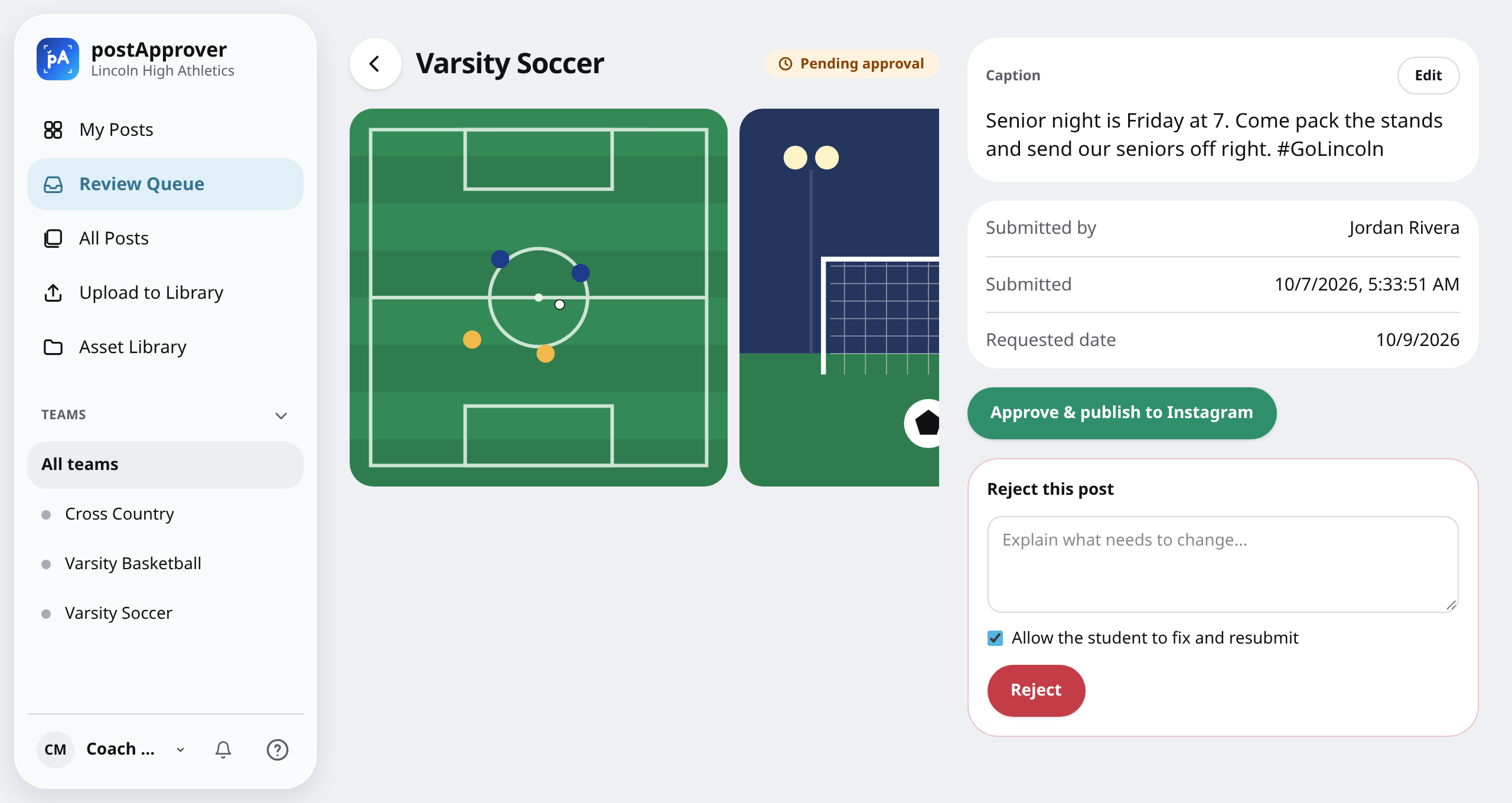
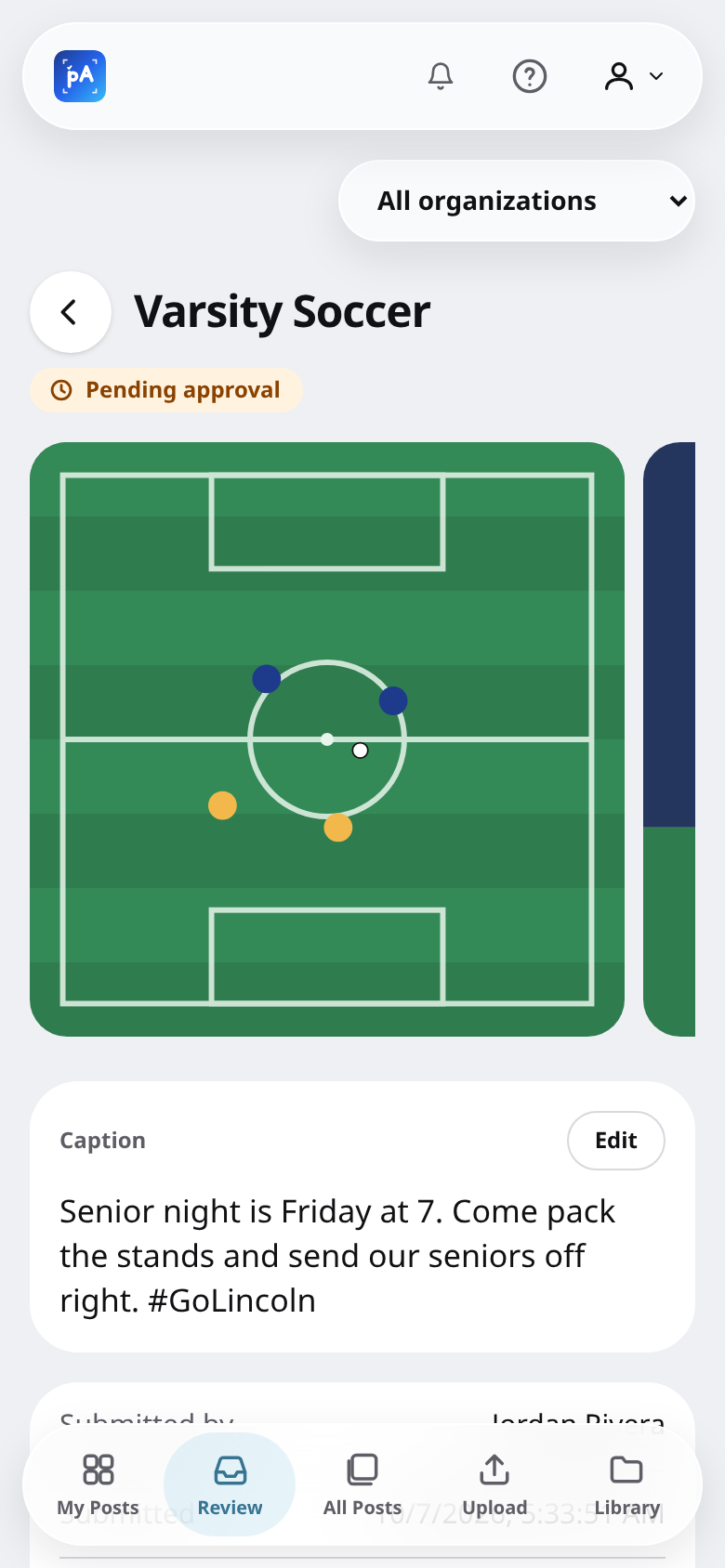
From phone to feed in four steps
- 1
Submit
A student uploads one or more photos, writes the caption, and can request a future publish date.
- 2
Review
The team’s coach gets an email and a notification, and reviews the post on any device.
- 3
Publish
Approval posts it to the team’s Instagram right away, or holds it until the requested day.
- 4
Celebrate
The student is emailed a link to the live post — or the coach’s feedback if it needs another pass.
Everything a team account needs, nothing it doesn’t
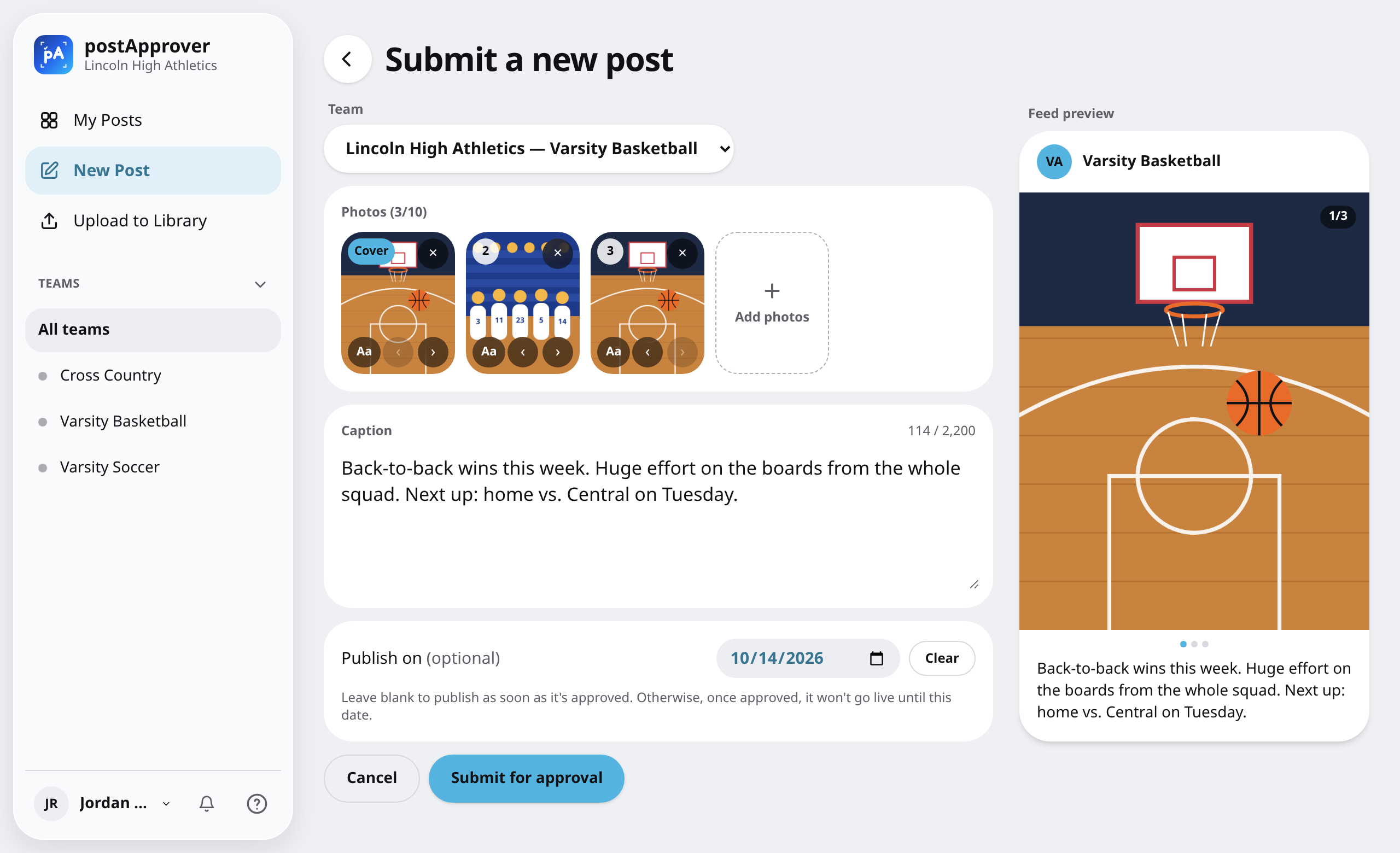
Carousels, captions and a date — in one form
Add a single photo or up to ten. More than one publishes as an Instagram carousel. Pick the team, write the caption, and see a live feed preview before you submit. Need it to go out on game day? Request a publish date.
- Up to 10 photos per post, reorderable
- Live Instagram-style preview
- Optional future publish date
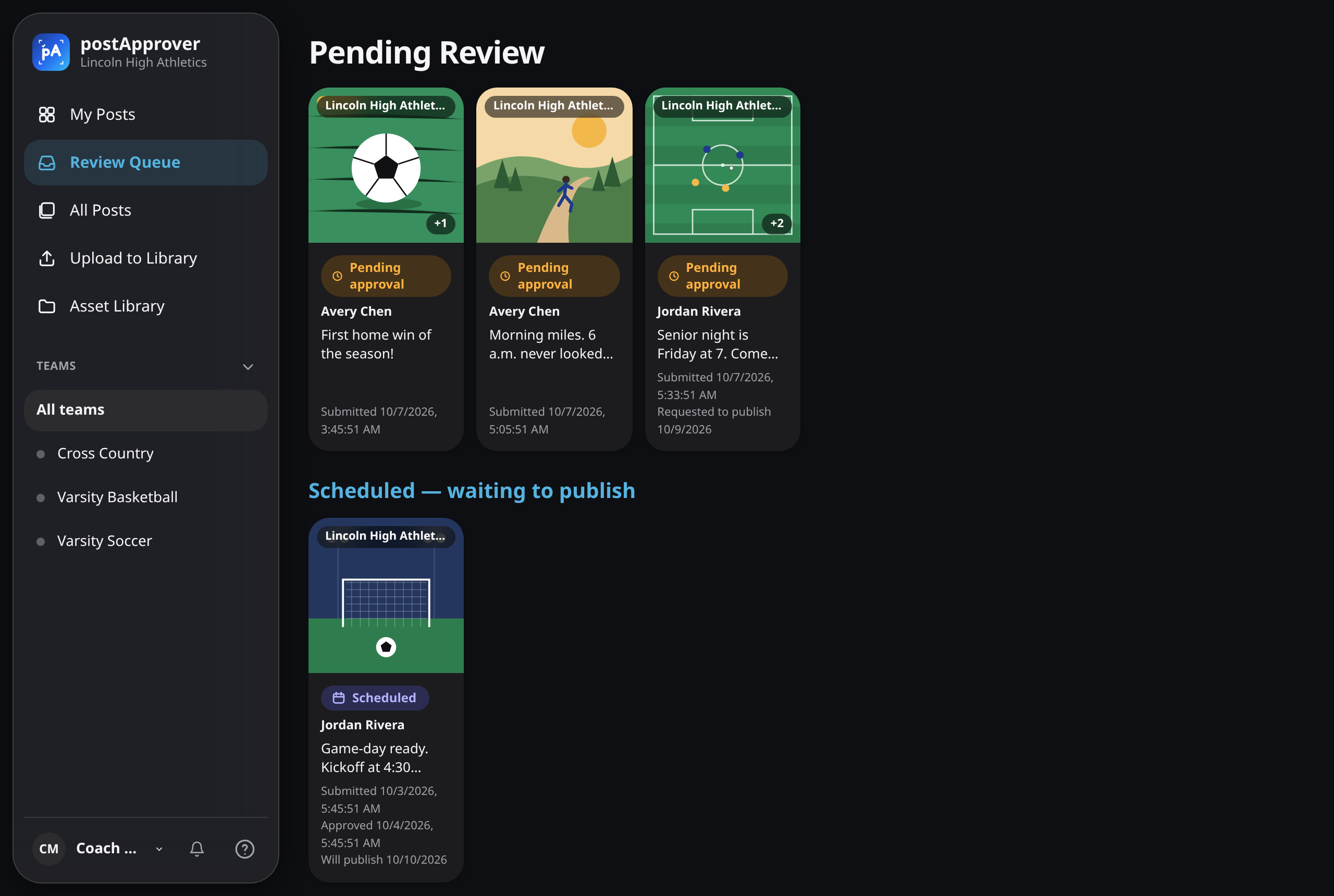
One queue for every team you coach
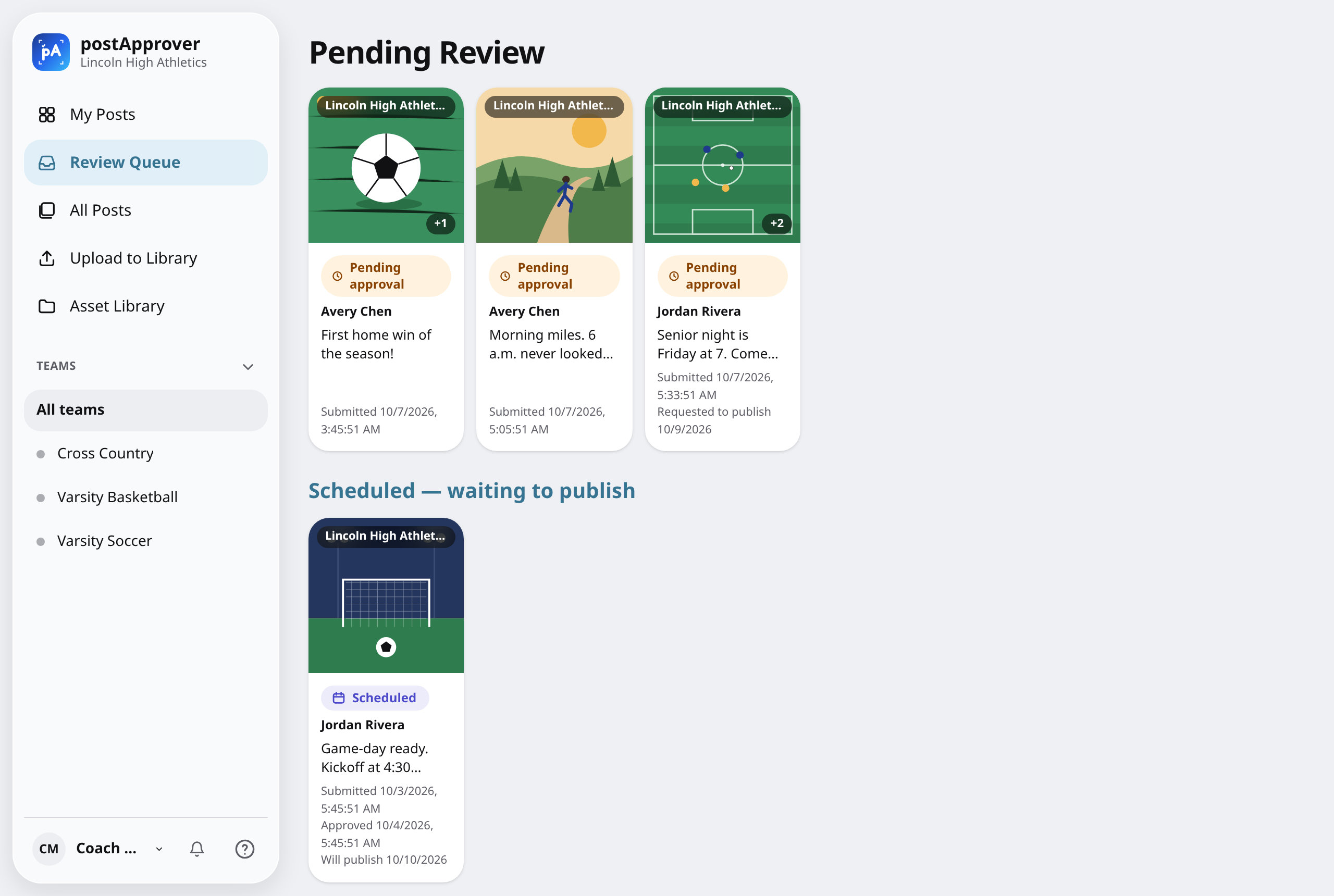
New submissions arrive by email and notification and wait in the Review Queue. Open one to check the photos, tweak the caption, and approve — or see what’s already scheduled to go out.
- Email, in-app and push notifications
- Edit the caption before approving
- Filter by team from the sidebar
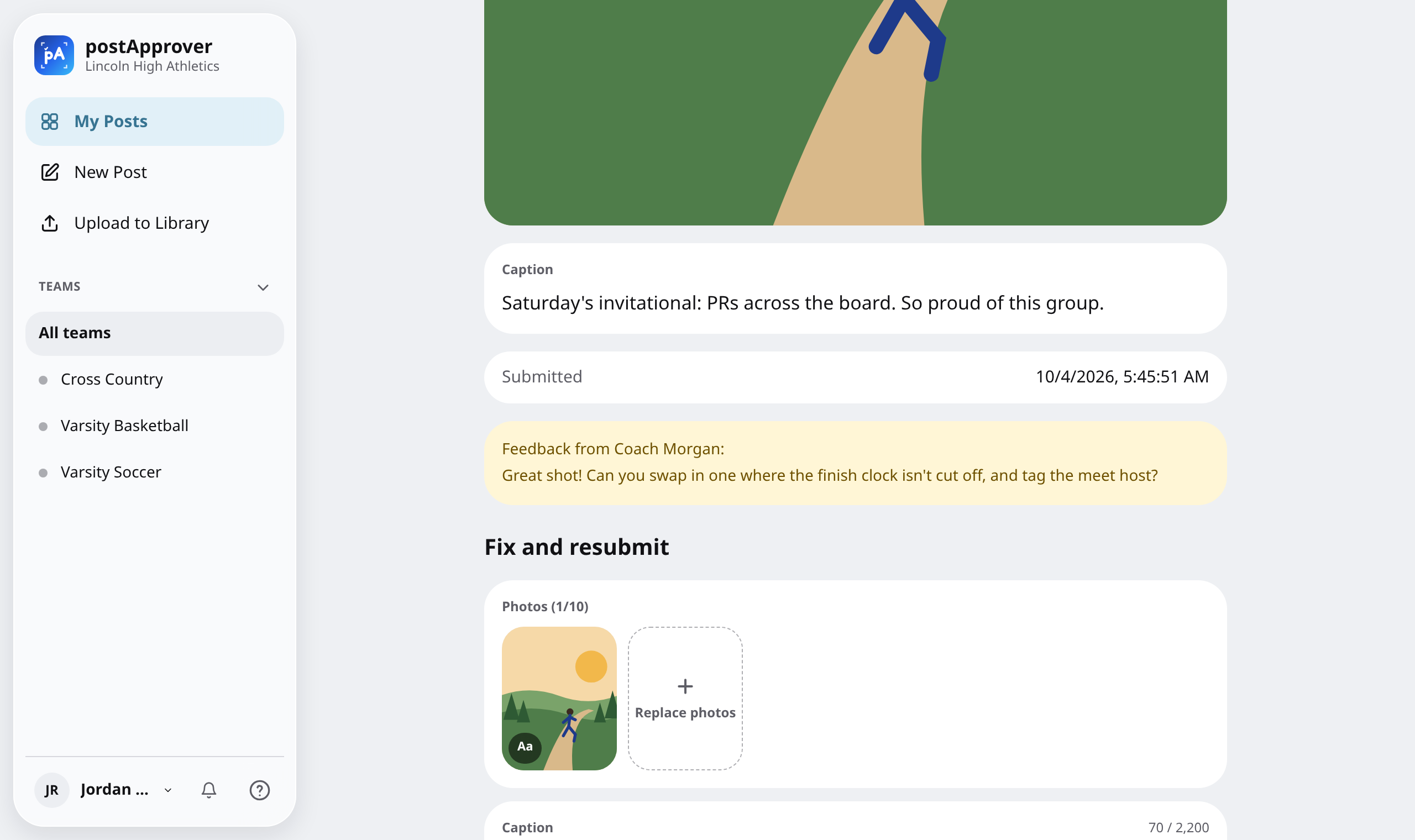
Feedback that teaches, not just “no”
When a post isn’t ready, the coach leaves a comment and chooses: let the student fix it and resubmit, or mark it final. The student sees the note right on their post, with everything they need to try again.
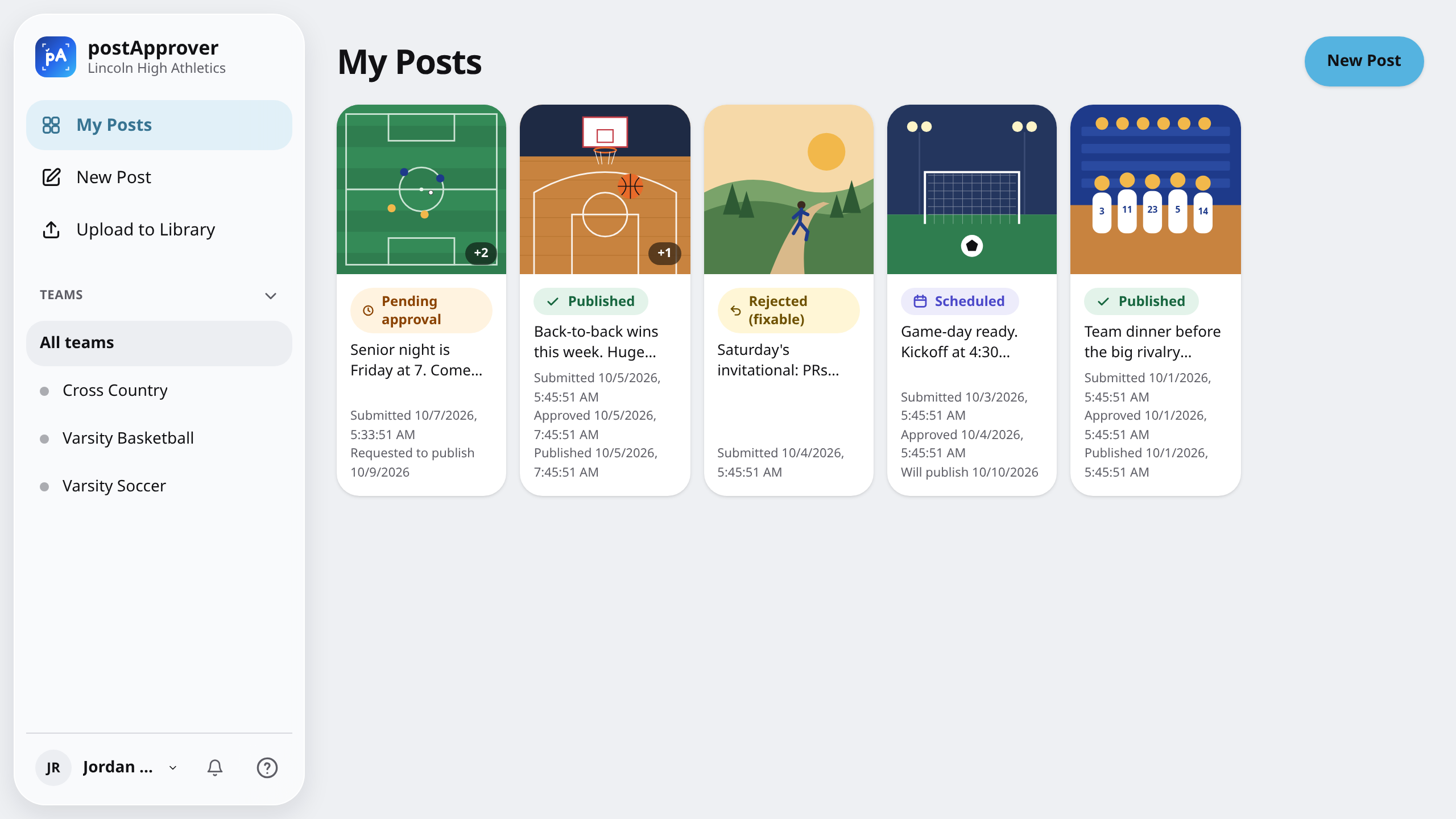
Approve once. It publishes itself.
Approved posts go straight to the team’s Instagram Business account, and the student gets an email with the live link. With a requested date, the post waits as Scheduled and goes out that day. My Posts shows where every submission stands.
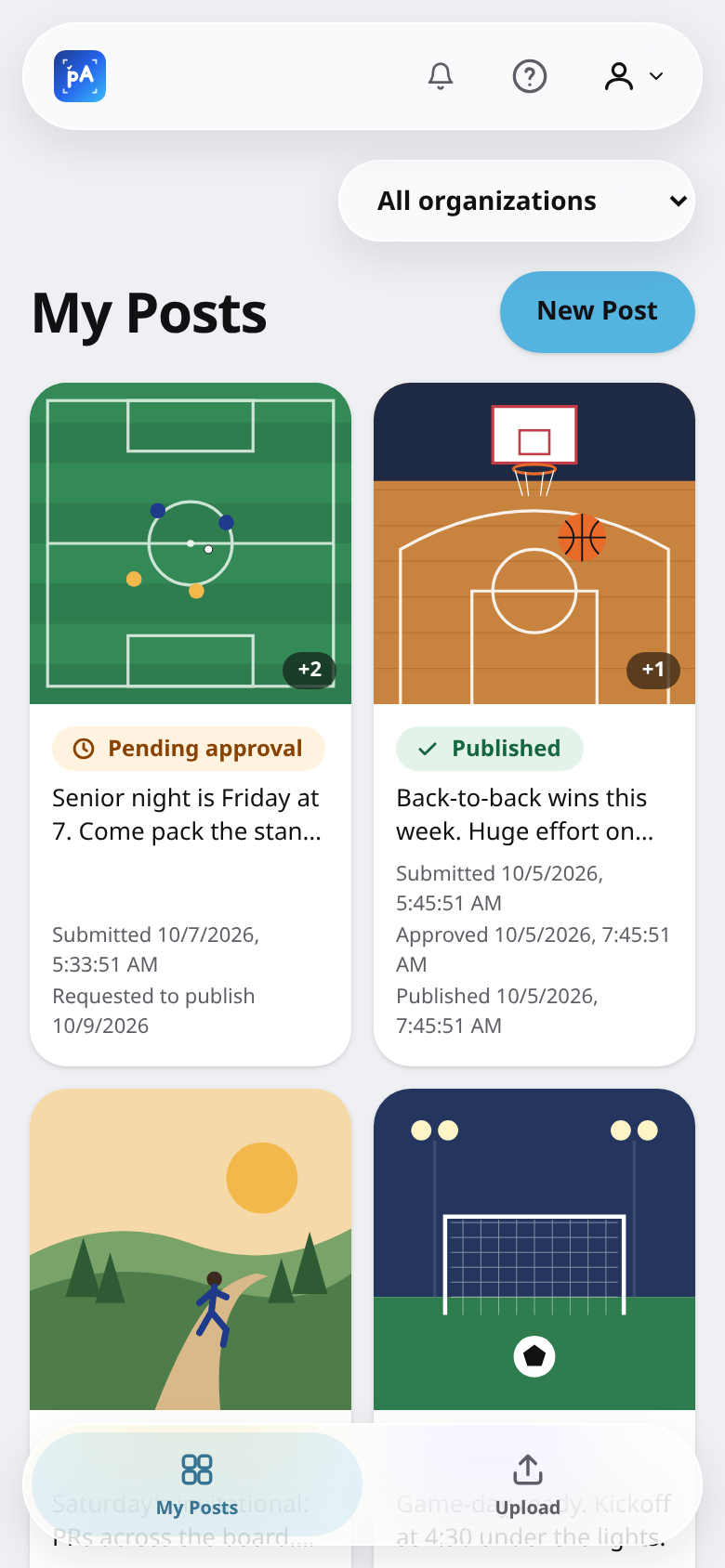
On the sideline or at a desk
postApprover works on phones, tablets and laptops. Add it to your home screen to use it like an app, and pick light or dark appearance.
Many teams, one school
Each team connects its own Instagram account. Students and coaches can belong to several teams with a different role on each.
Shared asset library
Upload game-day photos to a team library backed by Google Drive, then pick from it when building a post.
Invite-only access
Only invited members of your school’s Google Workspace can sign in. Admins manage teams, roles and invites in one place.
Cleans up after itself
Submissions are deleted from postApprover after a year. Posts already live on Instagram stay up.
Why we ask you to sign in with Google
Signing in with your school Google account lets postApprover confirm you’re an authorized member of your school’s program before you submit or review posts, and attributes each submission and approval to the right person.
We only use your name, email address and profile photo for this. We don’t use your Google data for advertising, and we don’t share it outside of running postApprover. See our Privacy Policy for details.

Got an invite? You’re ready.
Sign in with your school Google account to get started.